Switch GPT accounts without breaking history.

Securely save multiple configurations locally, switch instantly, and keep your conversation context right where you left it. Built for modern AI power users.

Mac says the app is damaged? Run in Terminal: xattr -dr com.apple.quarantine /Applications/GPT\ Switch.app
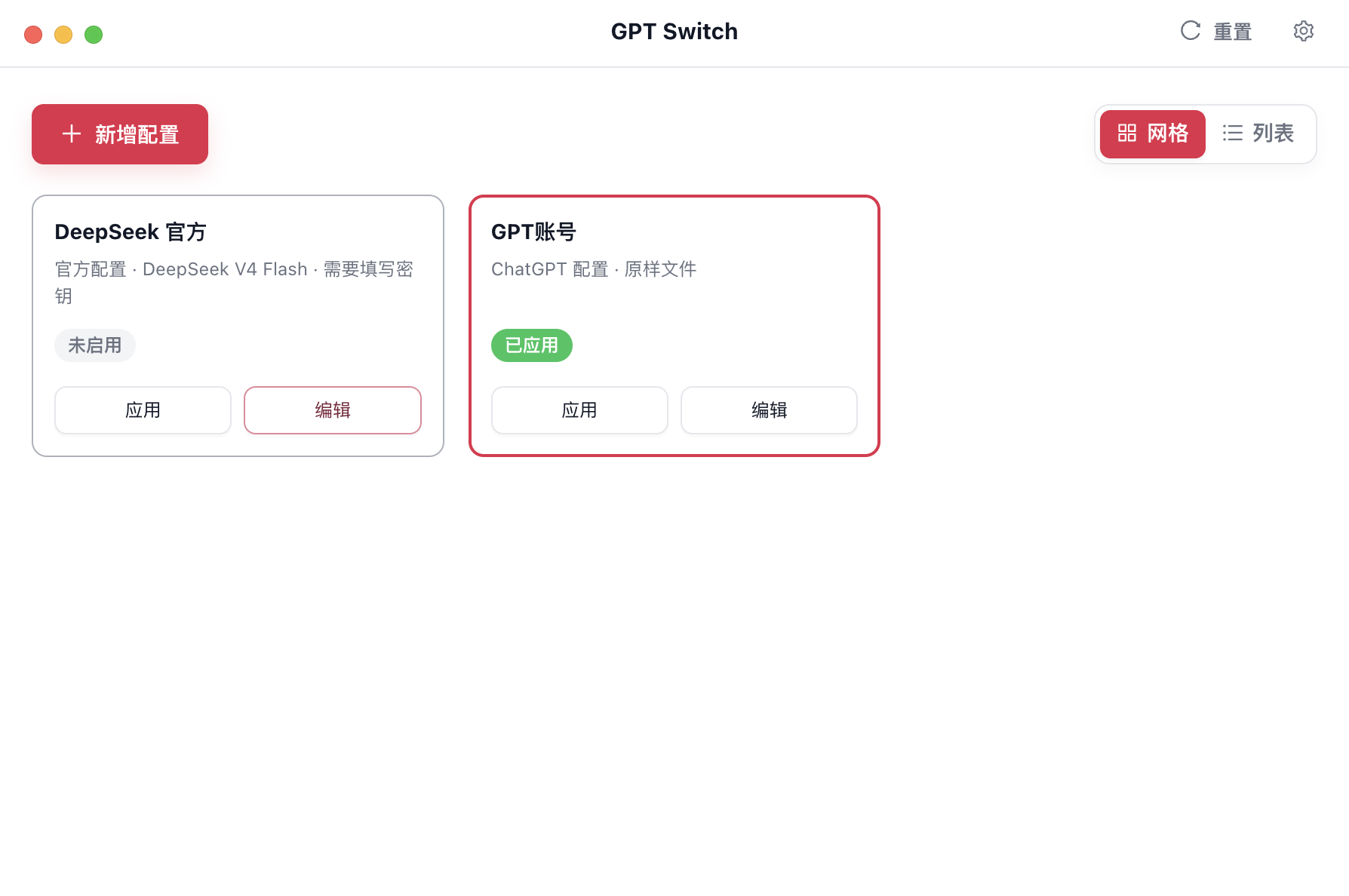
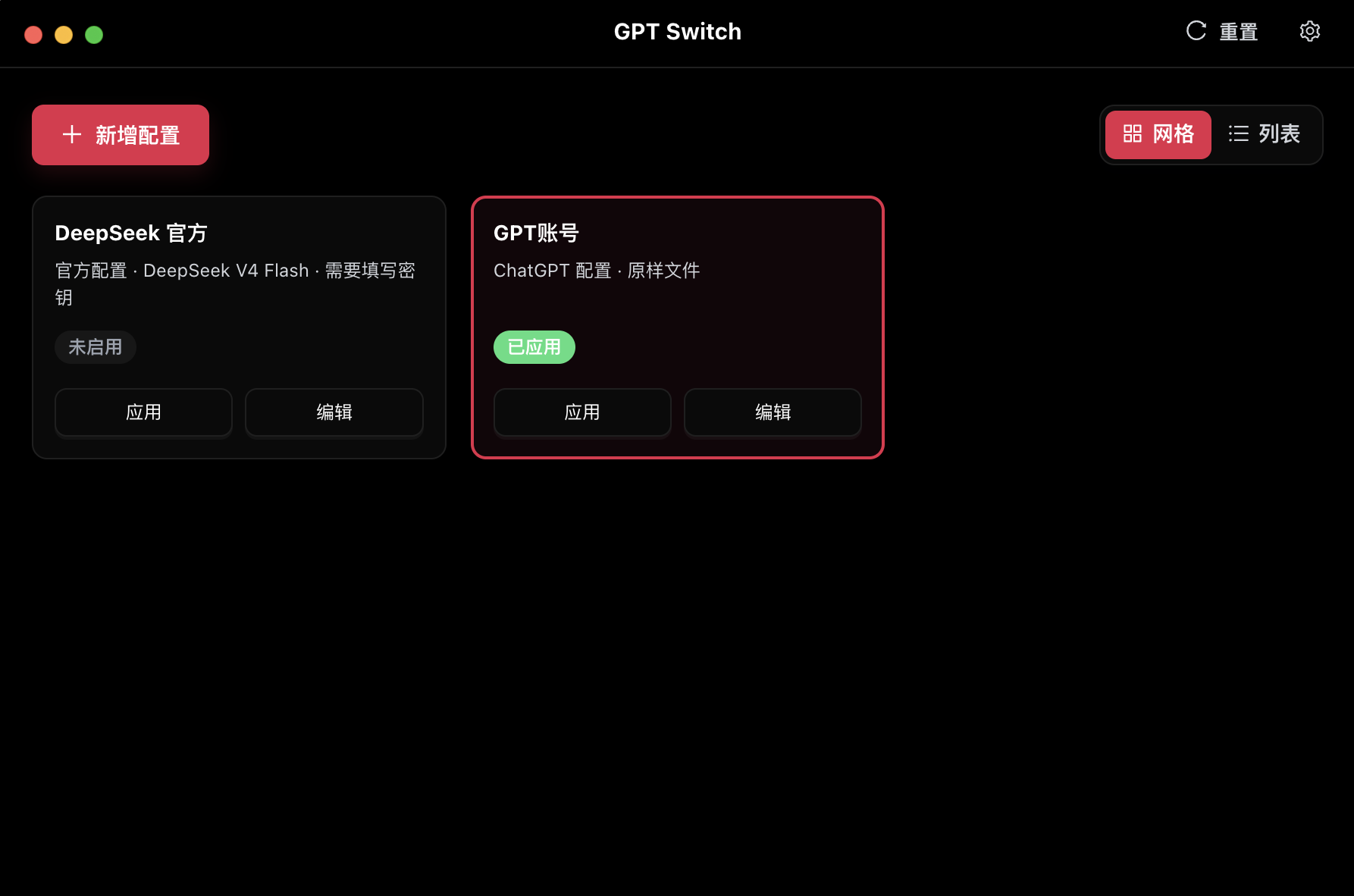
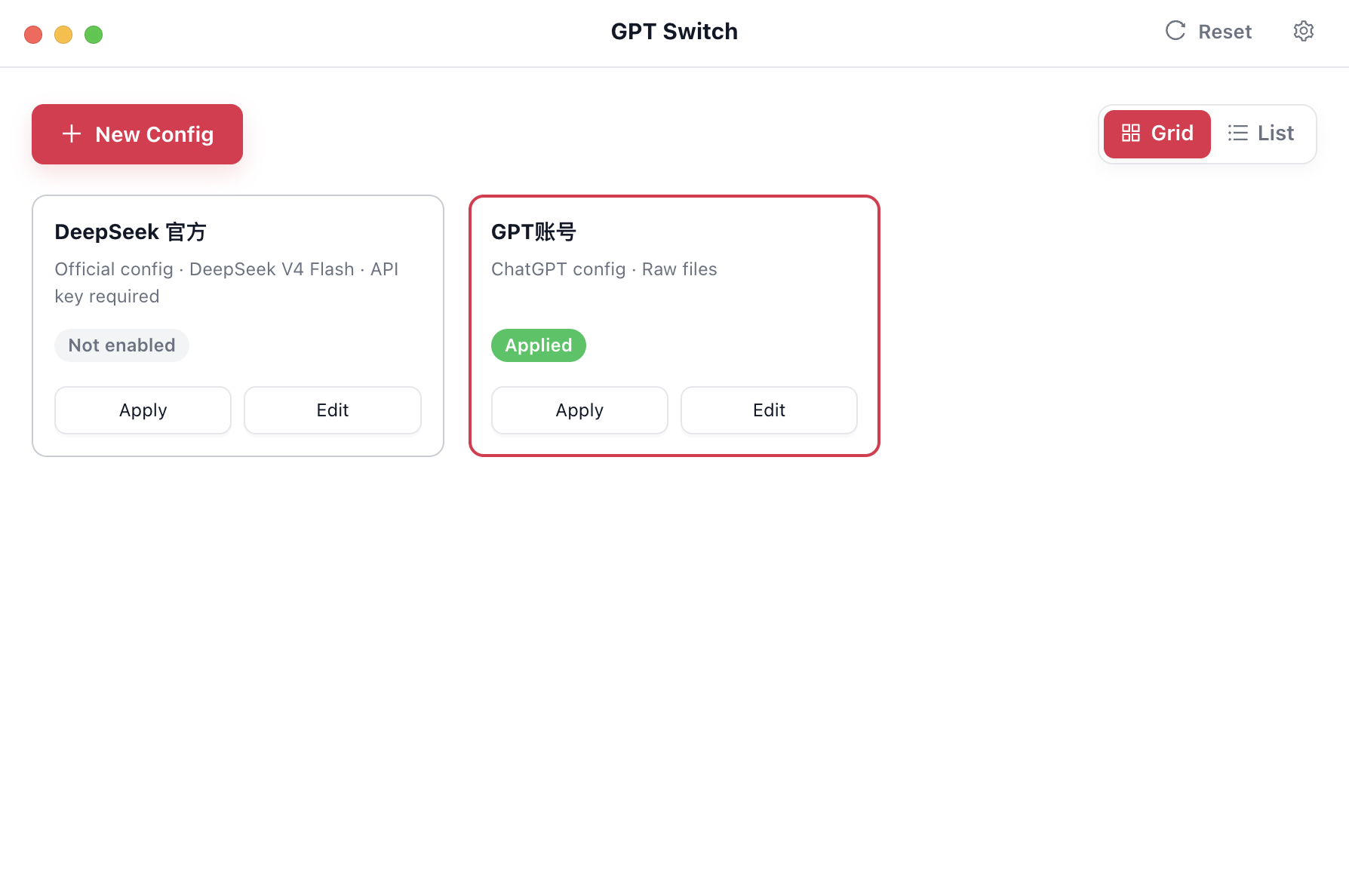
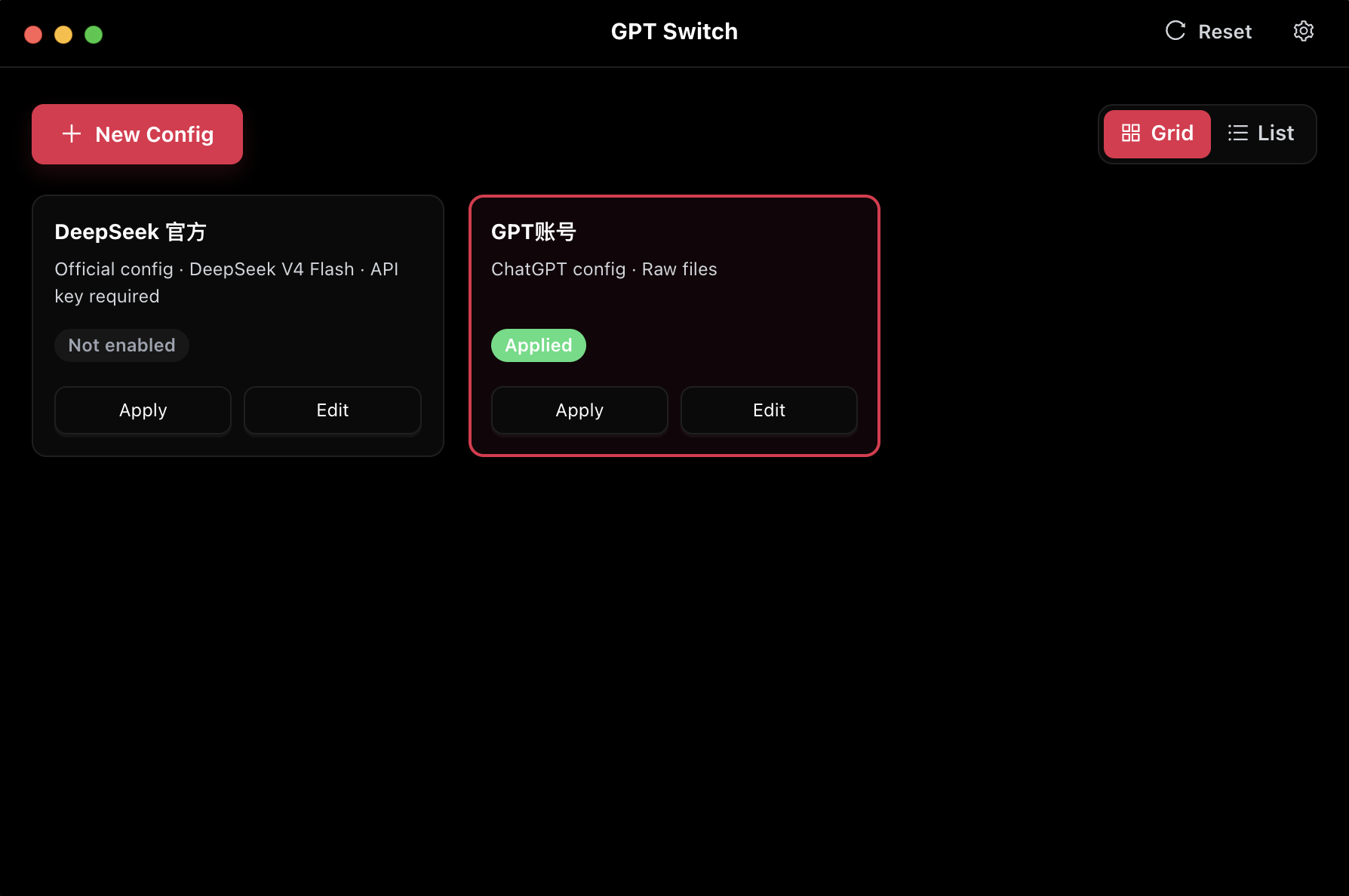
GPT Switch App Preview in Chinese light mode GPT Switch App Preview in Chinese dark mode GPT Switch App Preview in English light mode GPT Switch App Preview in English dark mode
下载量
0+
社群人数
0

Core Architecture

Designed for privacy, speed, and continuity. Everything you need to manage multiple intelligence flows.

Multi-Account Config

Pre-configure API keys, endpoints, and custom instructions for Work, Personal, or Development independently.

Message Sync Continuity

When switching accounts, previous conversation nodes remain visible in the UI, avoiding the jarring blank slate effect.

Local Storage Only

Zero cloud dependency. Your API keys and configurations are encrypted and stored strictly on your local machine.

Official Model Catalog

Built-in support for OpenAI GPT-5, GPT-4, Codex, and easily extensible to compatible API endpoints effortlessly.

Seamless Workflow

1

安装 ChatGPT

前往 ChatGPT 下载页安装官方桌面客户端。

2

安装 GPT Switch

点击 获取 Windows 或 macOS 安装包。双击运行,工具将自动常驻后台。

3

获取 DS API Key

当前支持 DeepSeek,前往 DeepSeek API Keys 页面生成一个新的 Key。

4

应用配置

粘贴 Key,选择模型,点击「应用」完成配置切换。

5

同步消息

点击「应用」后,官方 GPT 账号配置与 DeepSeek 配置的对话消息会自动同步互通。

6

自动重启

自动重启 Codex / ChatGPT,历史消息仍然保留,可以继续原来的对话。

FAQ